If you’d like full control over the product order shown in a specific market, you can manually sort them using the Manual sorting option.
This lets you drag and drop products into the exact order you want. It’s especially useful for merchandising handpicked items in key positions.
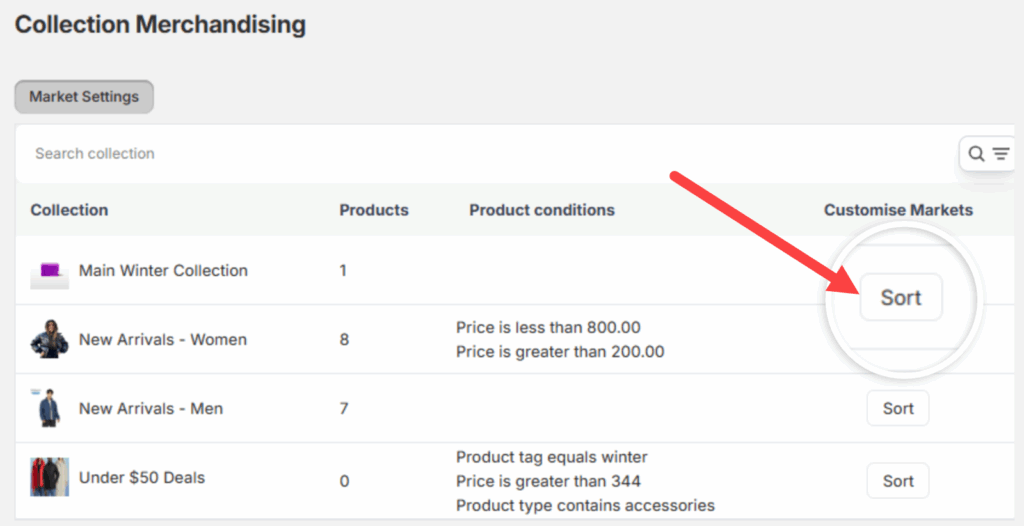
Start by going to the Collection Merchandising screen from the left sidebar of the app. Then, click the Sort button next to the collection you want to adjust.
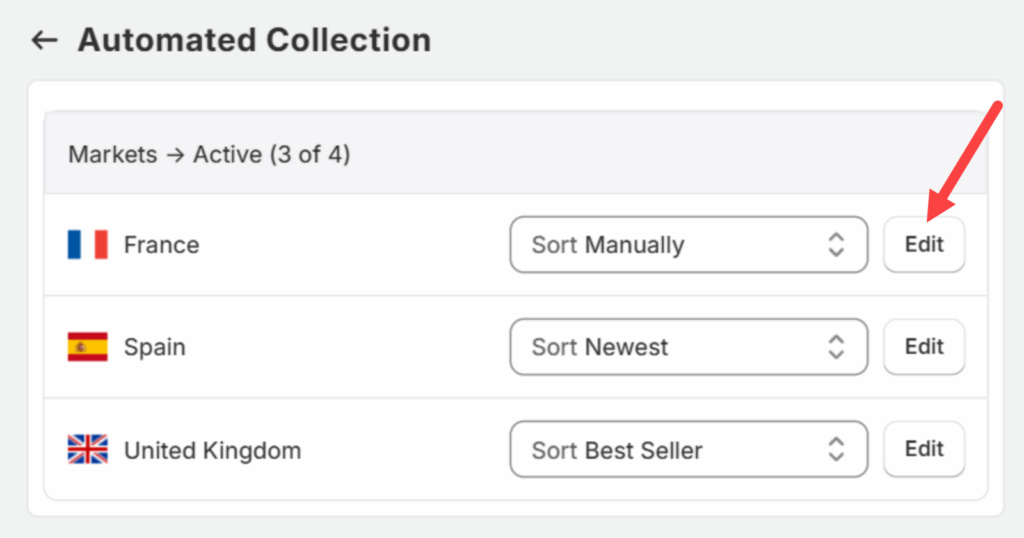
Next, select Manually from the dropdown and then click the Edit button.
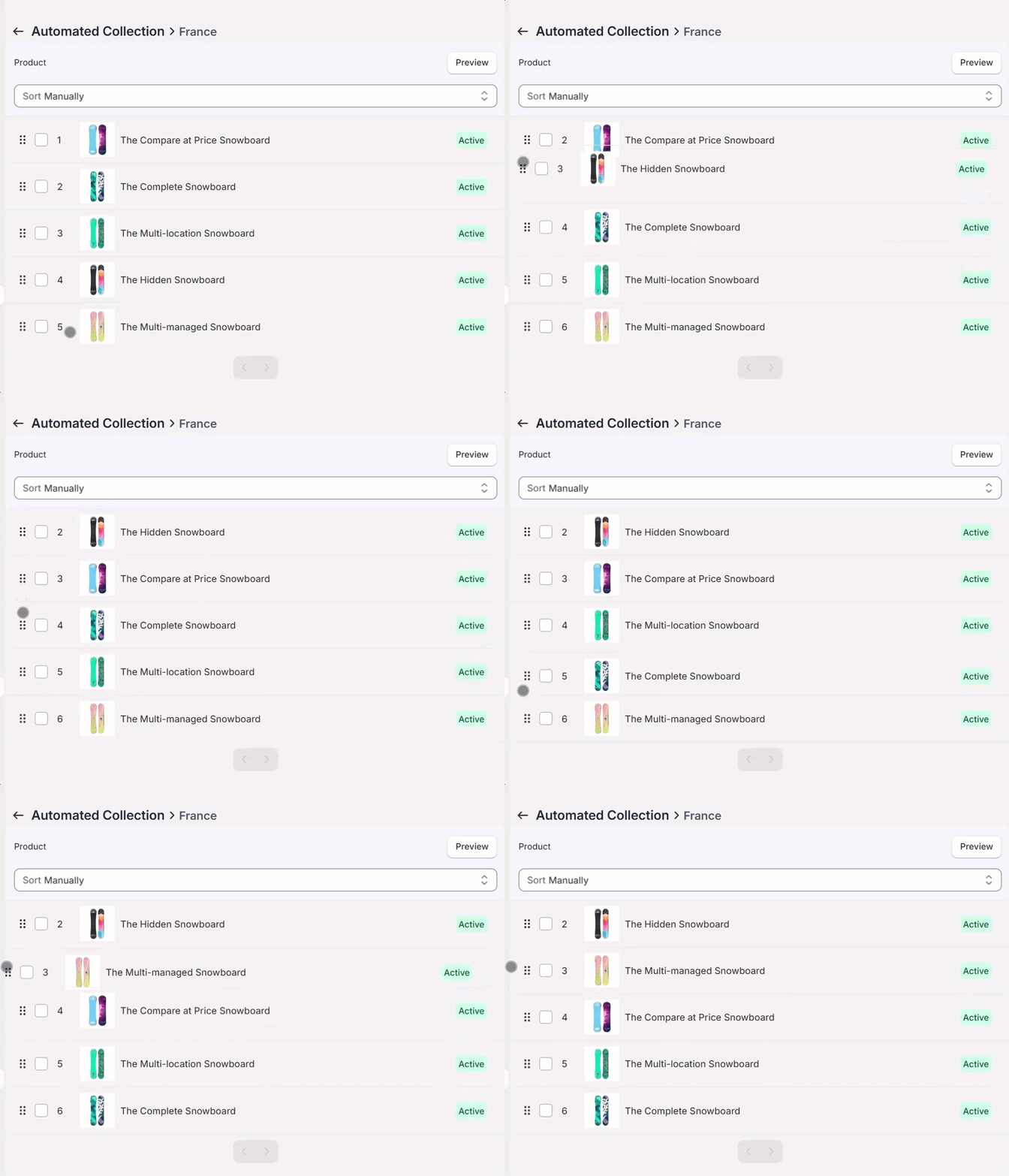
You’ll now see a list of products for the selected market. Simply drag and drop the products into the desired order.
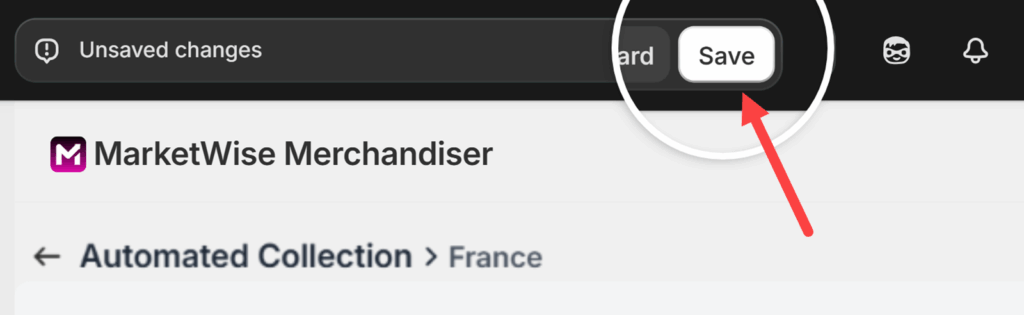
Once done, click Save to apply the changes.